概述
GoldRush API 为开发者提供统一接口,以快速、规模化地获取区块链历史数据,解决常见痛点:
- 运行自建节点或使用公共节点的成本高且受限
- 编写自定义 SQL 查询复杂
- 数据索引等待时间长
GoldRush 提供 RESTful API,采用一致的请求/响应结构。仅需替换 URL 中的网络名称,就能查询 200+ 支持网络中任意地址的全部代币余额。集成一次即可自动享受新网络支持、端点性能优化等更新。
申请 GoldRush API Key
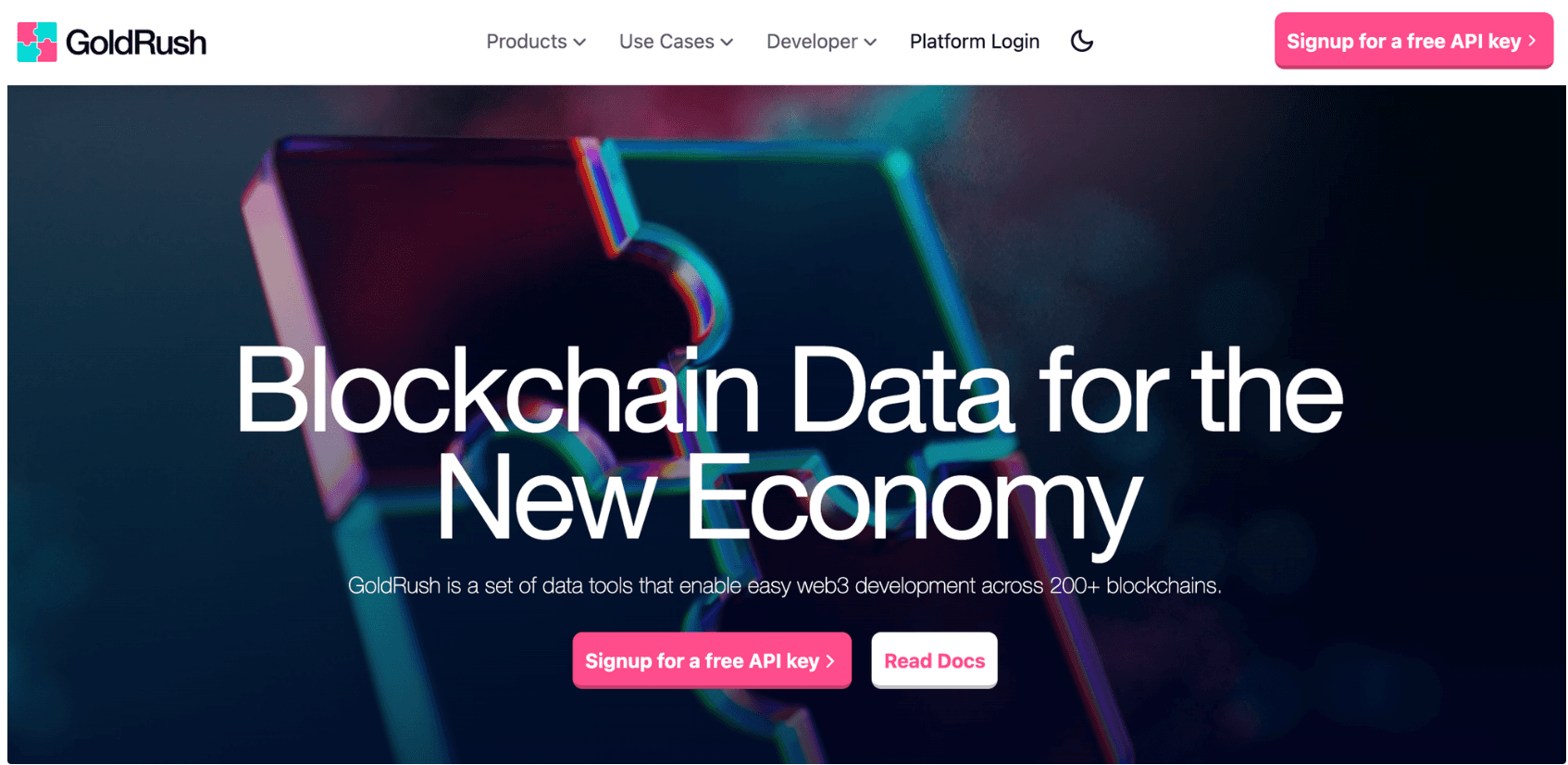
使用 GoldRush API 前需注册账号并获取 API key。访问 GoldRush 官网 (opens in a new tab),点击 “Signup for free API Key”,按提示填写信息并提交申请。
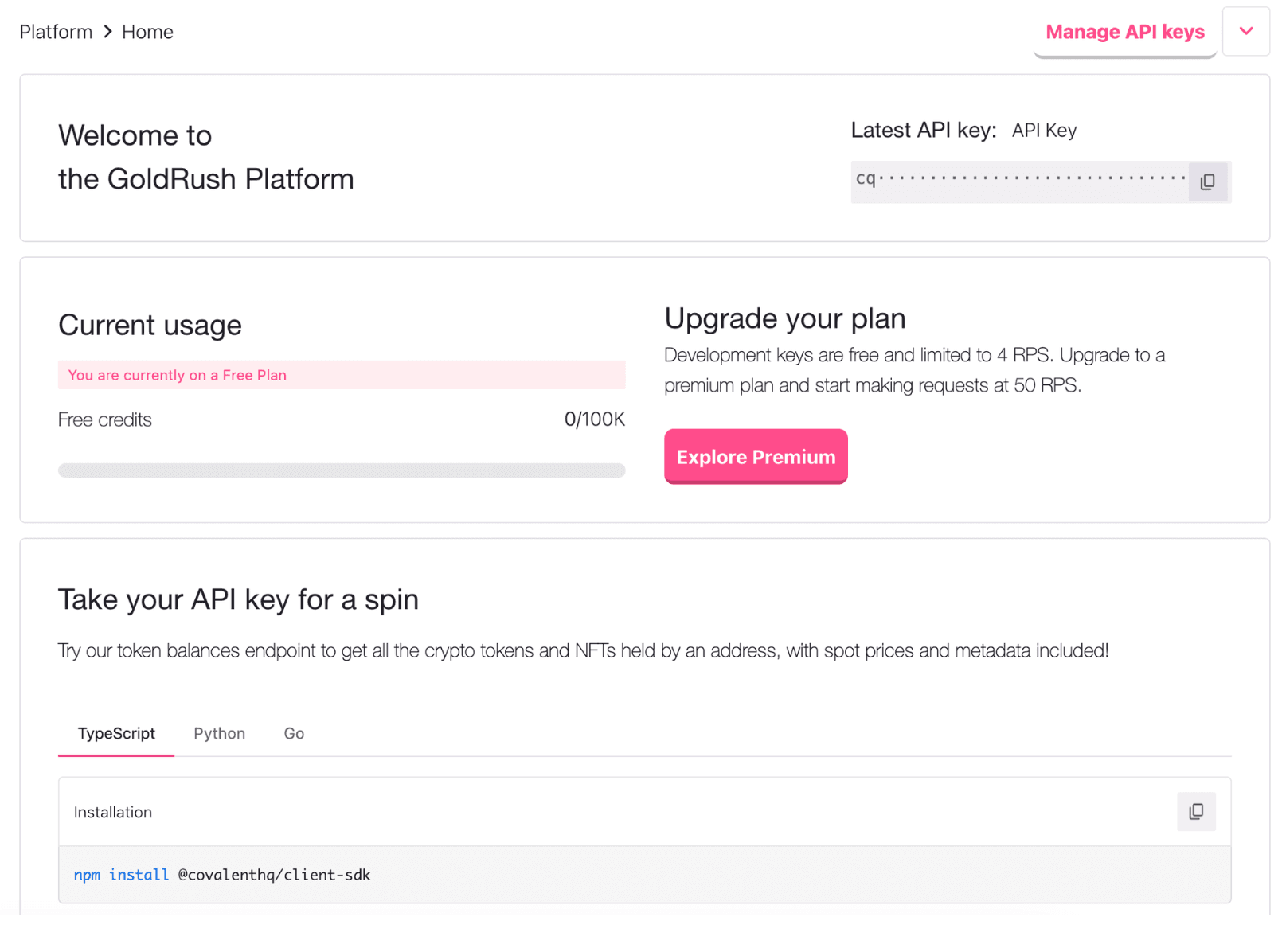
提交后稍候,你将收到邀请邮件,点击链接完成注册。注册成功后即可获得访问 GoldRush API 所需的 API key,可在界面右上角复制备用。
使用 GoldRush API
GoldRush API 提供多种查询接口,如代币余额、交易、资产组合、区块等。除直接 HTTP 请求外,还支持 Python、TypeScript、Go、Ruby、Shell 等多语言 SDK。
初始化项目
使用以下命令初始化 npm 项目:
mkdir zetachain-app
cd zetachain-app
npm init -y
安装依赖:
npm install @covalenthq/client-sdk axios查询代币余额
以下示例演示如何通过 HTTP 请求与 TypeScript SDK 查询账户余额。
使用 HTTP 请求
创建 index.js 并添加以下代码:
const axios = require("axios");

const apiKey = "your_api_key";
const network = "zetachain-mainnet";
const walletAddress = "your_wallet_address";
const url = `https://api.covalenthq.com/v1/${network}/address/${walletAddress}/balances_v2/`;

axios.get(url, {
  auth: {
    username: apiKey,
    password: ""
  },
  headers: {
    "Content-Type": "application/json"
  }
})
.then((response) => {
  console.log(JSON.stringify(response.data, null, 2));
})
.catch((error) => {
  console.error("Request failed:", error);
});
运行 node index.js,即可获得类似下面的结果:
{
  "data": {
    "address": "0xece40cbb54d65282c4623f141c4a8a0be7d6adec",
    "updated_at": "2024-08-28T10:17:28.671658047Z",
    "next_update_at": "2024-08-28T10:22:28.671658318Z",
    "quote_currency": "USD",
    "chain_id": 7000,
    "chain_name": "zetachain-mainnet",
    "items": [
      {
        "contract_decimals": 18,
        "contract_name": "Zeta",
        "contract_ticker_symbol": "ZETA",
        "contract_address": "0xeeeeeeeeeeeeeeeeeeeeeeeeeeeeeeeeeeeeeeee",
        "supports_erc": [],
        "logo_url": "https://www.datocms-assets.com/86369/1693331953-zetachain-colour.png",
        "contract_display_name": "Zeta",
        "logo_urls": {
          "token_logo_url": "https://logos.covalenthq.com/tokens/7000/0xeeeeeeeeeeeeeeeeeeeeeeeeeeeeeeeeeeeeeeee.png",
          "protocol_logo_url": null,
          "chain_logo_url": "https://www.datocms-assets.com/86369/1693503842-zetachain-icon-white.svg"
        },
        "last_transferred_at": null,
        "native_token": true,
        "type": "cryptocurrency",
        "is_spam": false,
        "balance": "129029144648174752049",
        "balance_24h": "129029144648174752049",
        "quote_rate": 0.50380385,
        "quote_rate_24h": 0.49448004,
        "quote": 65.00538,
        "pretty_quote": "$65.01",
        "quote_24h": 63.802338,
        "pretty_quote_24h": "$63.80",
        "protocol_metadata": null,
        "nft_data": null
      }
    ]
  },
  "error": false,
  "error_message": null,
  "error_code": null
}
使用 TypeScript SDK
官方 SDK 往往更便捷。在 index.js 中复制以下代码:
const { GoldRushClient } = require("@covalenthq/client-sdk");

const apiKey = "your_api_key";
const network = "zetachain-mainnet";
const walletAddress = "your_wallet_address";

const apiServices = async () => {
  try {
    const client = new GoldRushClient(apiKey);
    const resp = await client.BalanceService.getTokenBalancesForWalletAddress(network, walletAddress);
    console.log(resp.data);
  } catch (error) {
    console.error("An error occurred:", error);
  }
};

apiServices().catch(console.error);
运行 node index.js,可获得与上述类似的结果。
更多关于 GoldRush API 与 ZetaChain 集成的教程,请参阅 ZetaChain Blockchain Data Indexing API (opens in a new tab) 文档。***